

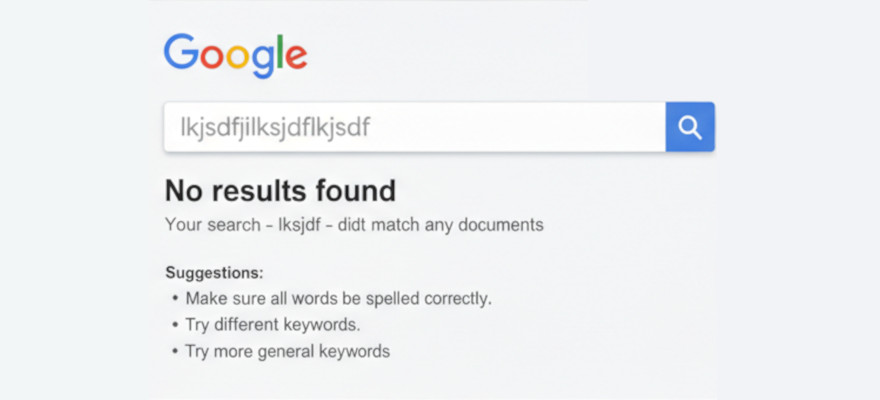
So you built a WordPress site. You’re proud of it. You tell your friends to Google your business name and… nothing. Not on page one. Not on page five. Not even on page forty-seven. Your site has apparently entered the witness protection program, and nobody told you.
Before you panic, this is incredibly common — and almost always fixable in under ten minutes. Let’s walk through the usual suspects, starting with the one that catches an embarrassing number of people (myself included).
The one checkbox that hides your entire site
Go to Settings → Reading in your WordPress dashboard. Look for a checkbox that says “Discourage search engines from indexing this site.” If that box is checked, congratulations — you’ve been politely asking Google to pretend you don’t exist, and Google has been happily obliging.
This setting exists for sites that are still under construction. The problem is that some hosting providers check it by default during setup, and then nobody remembers to uncheck it when the site goes live. It’s like building a beautiful storefront and leaving the “CLOSED” sign on the door permanently.
Uncheck it. Hit save. That single click is the most impactful SEO fix you’ll ever make.
Your sitemap isn’t submitted (or doesn’t exist)
A sitemap is essentially a table of contents for your website, written in a language that search engines understand. It tells Google “here are all my pages, here’s when they were last updated, please come look.” Without one, Google has to discover your pages by stumbling across links — which is slow and unreliable.
If you’re using an SEO plugin like Rank Math (free version works perfectly), it generates a sitemap automatically at yoursite.com/sitemap_index.xml. But generating it isn’t enough — you need to submit it to Google.
Head over to Google Search Console (search.google.com/search-console), verify your site ownership, then go to Indexing → Sitemaps and submit your sitemap URL. This is you walking up to Google and saying “hey, I exist, here’s my address, come visit.” Without this step, you’re waiting for Google to find you on its own — and Google is not in a hurry.
Your pages might be set to “noindex”
Even if the site-wide “discourage search engines” box is unchecked, individual pages or posts can still be hidden from Google. In Rank Math, each post has its own indexing toggle — open a post, scroll to the Rank Math SEO panel, click Advanced, and check that the Robots Meta is set to Index (not “No Index”).
This one usually happens when someone is testing a draft page and sets it to “No Index” so it doesn’t show up prematurely, then forgets to flip it back. I’ve done this. You’ve probably done this. It’s a rite of passage.
Google needs time (and that’s normal)
Here’s the part nobody wants to hear: even if everything is configured perfectly, Google doesn’t index your site instantly. It can take anywhere from a few days to a few weeks for new pages to appear in search results. Google crawls billions of pages and yours has to wait in line like everyone else.
You can speed things up by going to Search Console → URL Inspection, pasting the URL of any page you want indexed, and clicking Request Indexing. This is the polite equivalent of tapping Google on the shoulder and saying “this one first, please.” It doesn’t guarantee instant indexing, but it moves you up the queue.
Your site has no backlinks (and that’s a slow burn)
Backlinks are links from other websites pointing to yours. They’re how Google decides whether your site is trustworthy and worth showing to people. A brand-new site with zero backlinks is like a new restaurant with no reviews — Google doesn’t know if you’re good yet.
You don’t need hundreds of backlinks to start ranking. Even a few from relevant, legitimate sources help — a local business directory listing, a guest post on a related blog, or a mention in an industry community. Quality over quantity, always. One link from a respected site in your niche is worth more than fifty from random directories nobody visits.
The 5-minute “why can’t Google find me” checklist
Run through this right now — it covers 90% of the reasons new WordPress sites don’t show up:
- Settings → Reading → “Discourage search engines” is unchecked.
- An SEO plugin (Rank Math or Yoast) is installed and the setup wizard has been completed.
- Your sitemap (
yoursite.com/sitemap_index.xml) exists and has been submitted to Google Search Console. - Individual pages are set to Index, not “No Index,” in the SEO plugin settings.
- You’ve used URL Inspection → Request Indexing on your most important pages.
- Your site has at least some content — Google doesn’t bother indexing empty or near-empty pages.
If all six are done and you’re still not showing up after two weeks, the issue is almost certainly competition and backlinks, not configuration. At that point, you’re past the “fix it” stage and into the “earn it” stage — writing helpful content, building links, and giving Google a reason to rank you over the other sites already there.
But the good news? For most people reading this, it’s one of the first five. Probably number one. Go check that checkbox. I’ll wait.